

Users
Overview
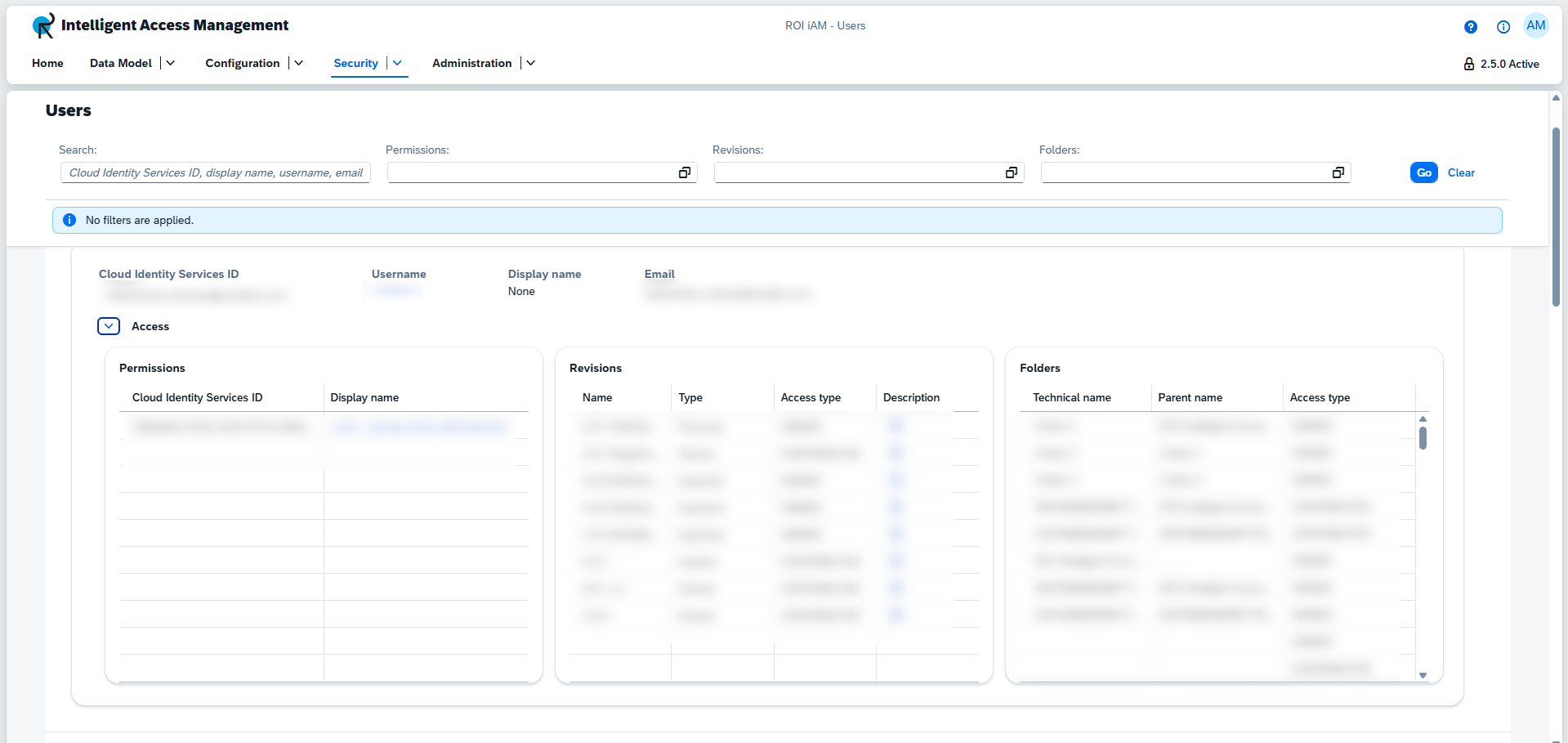
The Users tile provides an overview of all users, their assigned permissions, and the revisions and folders which they own or contribute to.
Users are not maintained in ROI iAM. Instead, they are obtained from IAS and managed in Cloud Identity Services. The Users tile displays all available users who have access to ROI iAM. Each individual user has details, which can be viewed from the Access dropdown. The details contain a table for:
- all permissions granted to the user;
- the revisions of which the user is owner or contributor;
- the folders of which the user is owner or contributor;
IMPORTANT
Users cannot be created, edited, deleted, or managed from this page. Instead, they are managed in Cloud Identity Services.
Access
To learn more about the necessary access and prerequisite requirements for this section, please review the following documentation: Permissions
Filtering options
The Users view can be filtered as follows:
- By the assigned permissions
- By the revisions of which the user is owner or contributor
- By the folders of which the user is owner or contributor
You can also search for a specific user by Cloud Identity Services ID, display name, username, or email.