Exporting a Configuration
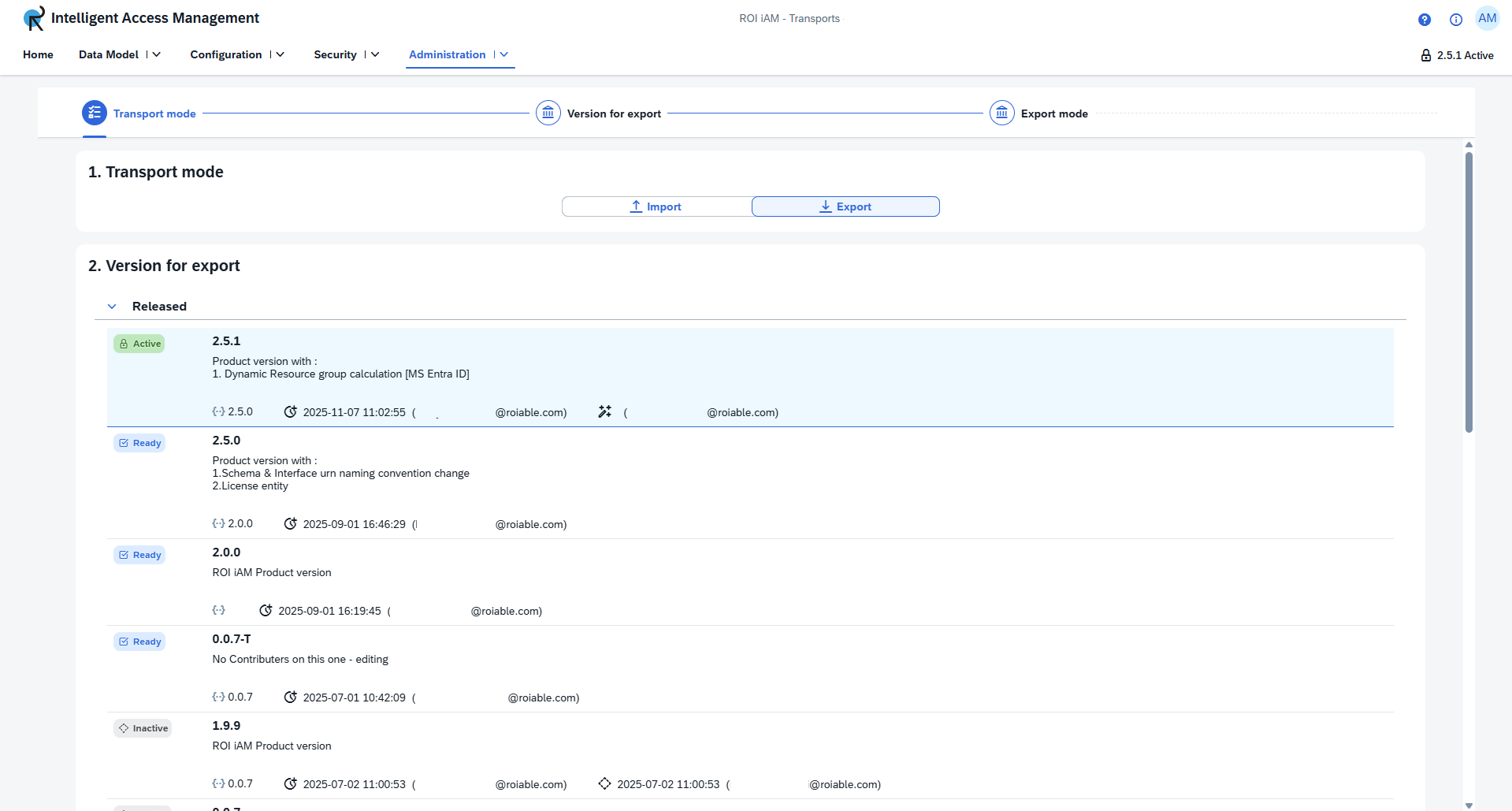
Exporting creates a transportable file from an existing configuration version in your current ROI iAM system.
To export a configuration:
- Select the
Exportoption. - From the provided list, select the configuration version you wish to export.
- Click the export button to generate and download the configuration file. The resulting file will have a
.roiconfigextension.