Review and Migrate
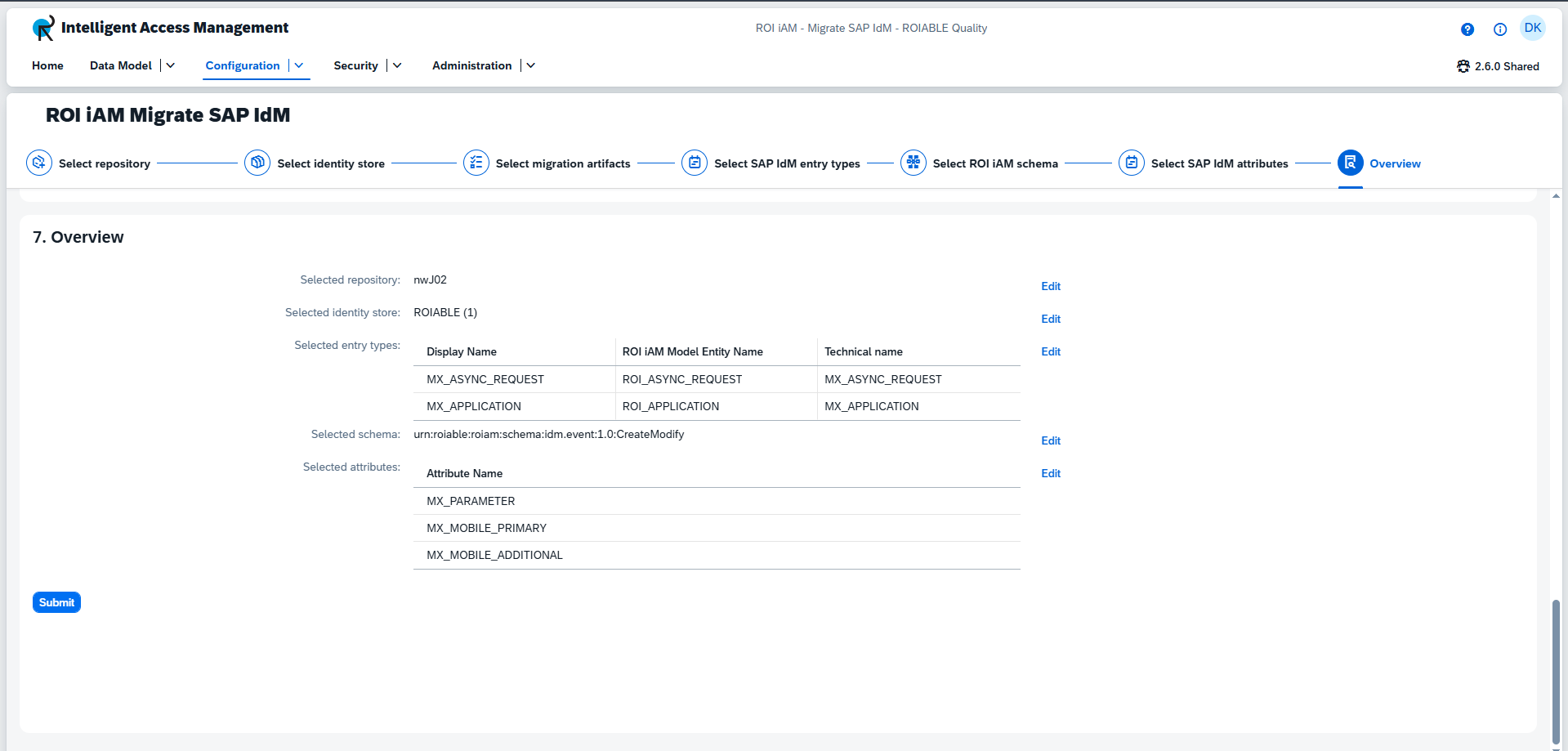
This is the final step in the wizard, allowing you to verify your selections before starting the migration.
Overview
This view provides a summary of the data you have selected for migration.
- You can navigate back to a specific section to make changes by clicking the
Editbutton next to it. - When you are satisfied with the configuration, click
Submitto begin the migration.
TIP
Be aware that changing selections in previous steps will discard your progress in subsequent steps.
Future Feature: Navigate to Object
After the migration completes successfully, a button will appear next to the schema and/or ROIiAM Model Entity Name. Clicking this button will navigate you directly to the newly migrated data in ROIiAM.