Importing a Configuration
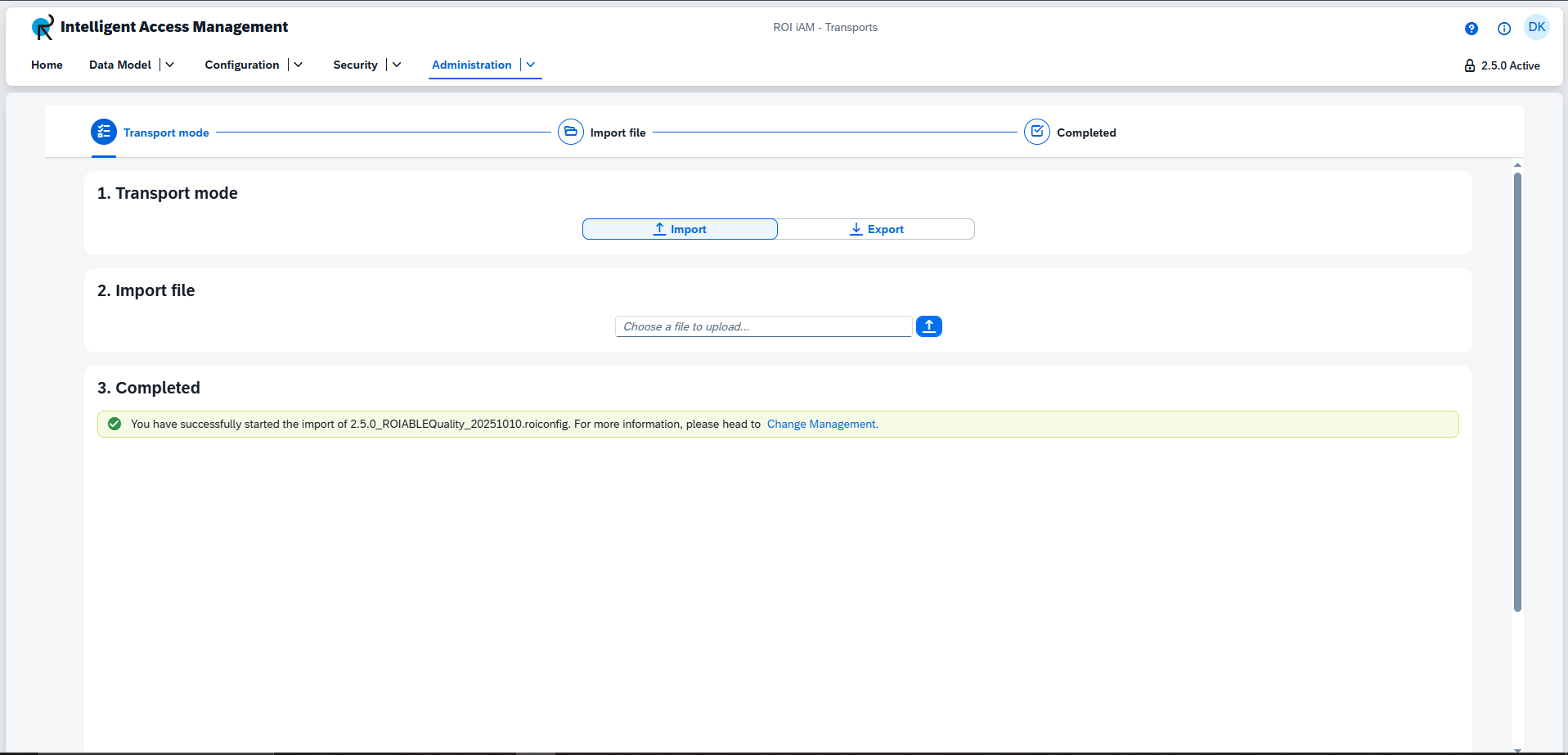
Importing allows you to apply a previously exported configuration (.roiconfig file) or a standard product version provided by Roiable to your current system.
To import a configuration:
- Select the
Importoption. - Click on the file upload button to open your system's file explorer.
- Locate and select the
.roiconfigfile you wish to import.