

Certificates
Certificates must be configured on the system, and the certificate type depends on the authorization type being configured on the system.
- Download certificate as explained in this section: Preparation guide: Subaccount B
INFO
Open SAP Log On
- Enter transaction code:
STRUST. - Import the certificates twice, once against Standard and once against Anonymous.
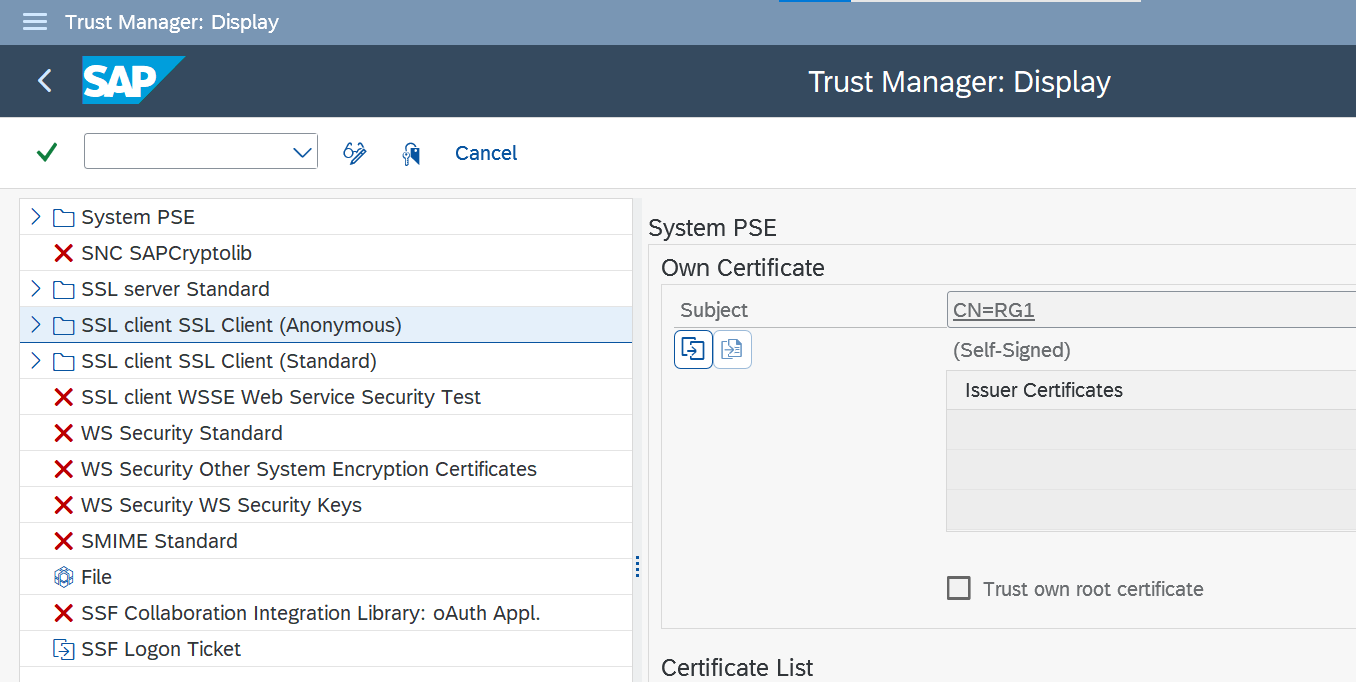
- Add the certificate to both Standard and Anonymous.
WARNING
The Integration Suite team must monitor SAP updates for certificates. Subscribe to the SAP notification list and update certificates on demand according to the timelines suggested by SAP.