

Create a Repository
Repositories can be created from a Repository type and inherit that Repository type's properties and events. These inherited properties and events can also be modified after the repository is created.
INFO
Repositories can only be created in the Active version. They may be edited either in the Active version or within a revision, while Events can be modified exclusively within revisions.
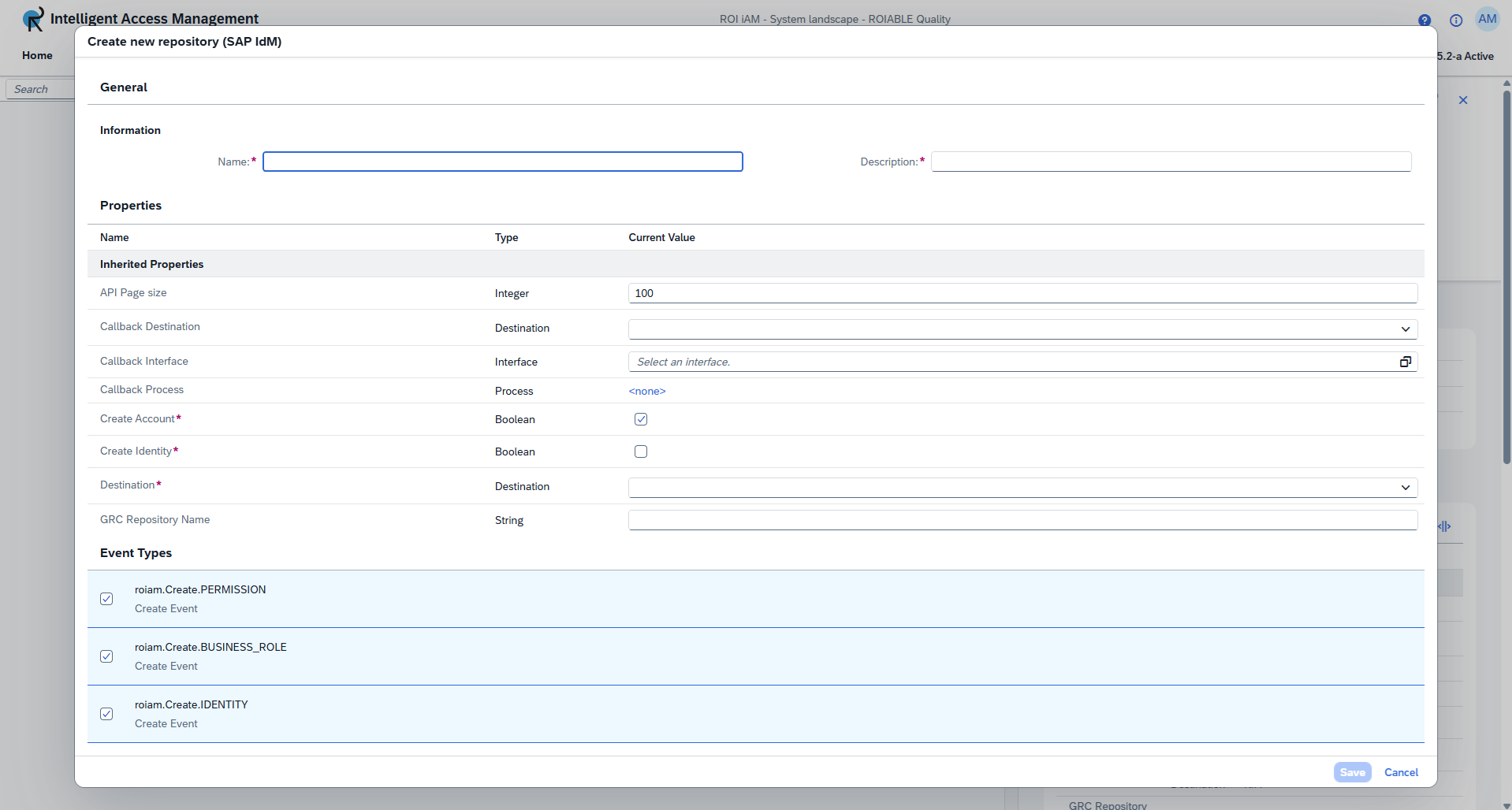
To create a new Repository:
- Select a Repository Type and click Create.
- Input a Name - This field is mandatory. The name must be between 3-255 characters long. It can include only letters, numbers, underscores, and hyphens.
- Input a Description - This field is mandatory. The description must be between 3-255 characters long.
- Fill out all required properties.
INFO
Each Repository Type has a different set of properties. Those marked with a red star are mandatory.
- Select the Events you would like to add to the repository. The events displayed in the dialog are inherited from the Repository Type.
- Click Save.