
Source Selection
This stage involves selecting the source repository and the specific data you wish to migrate.
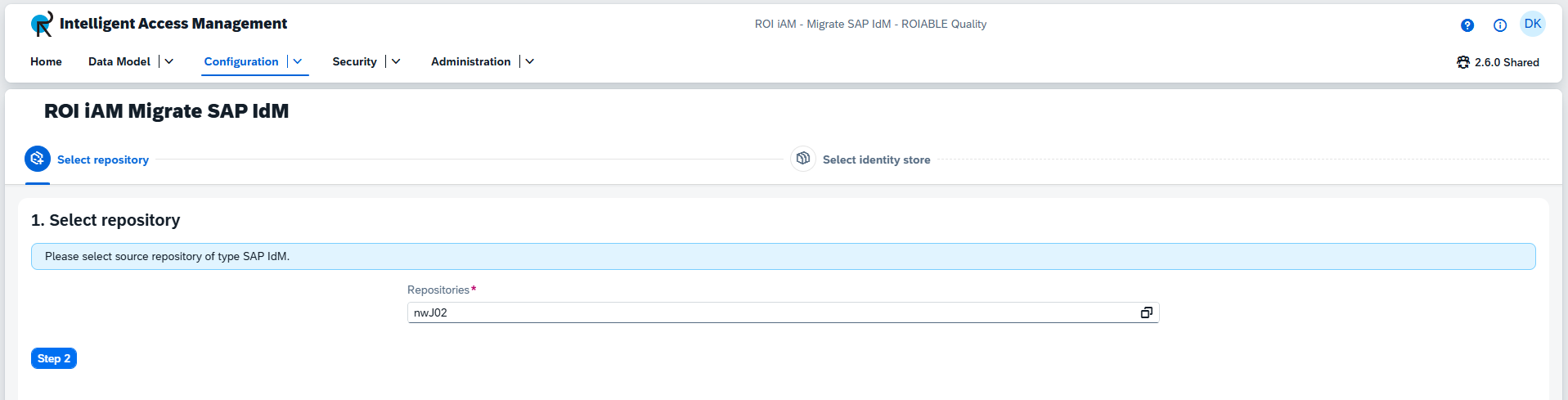
Select Repository
Select a single source repository from the provided list of SAP IdM repositories.
Prerequisites
To use this feature, you must have the SAP IdM Repository Type enabled and have repositories of this type configured.
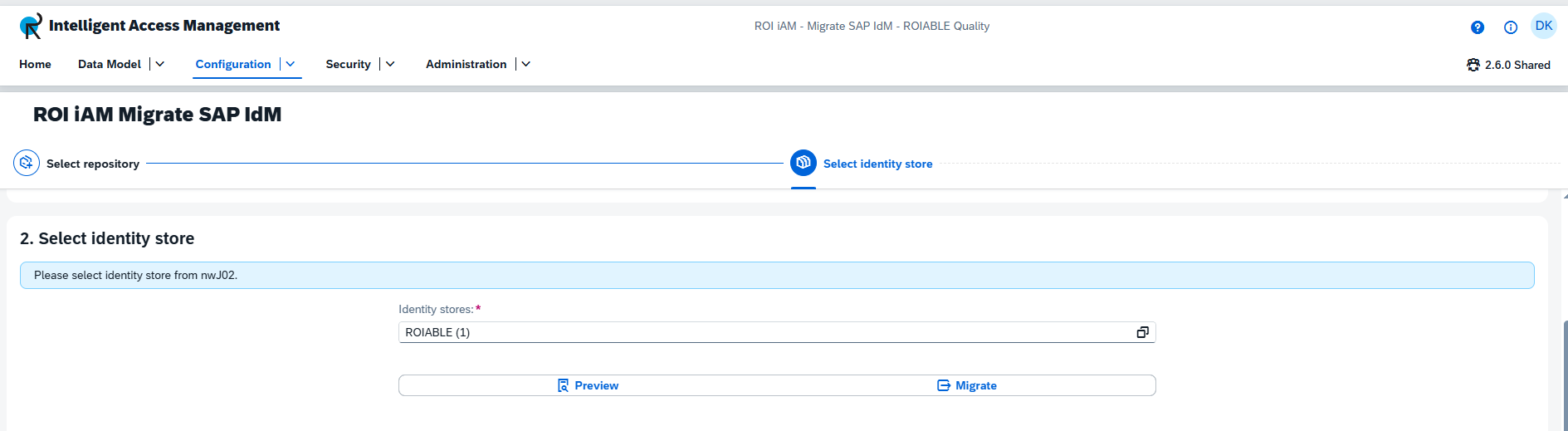
Select Identity Store
Select a single identity store from the provided list to migrate or view data from.
Preview: Allows you to view the data from the identity store before migrating it.Migrate: Proceeds directly with the migration process.
TIP
The Migrate option is only available in revisions (e.g., you cannot migrate if you are in an Active version).
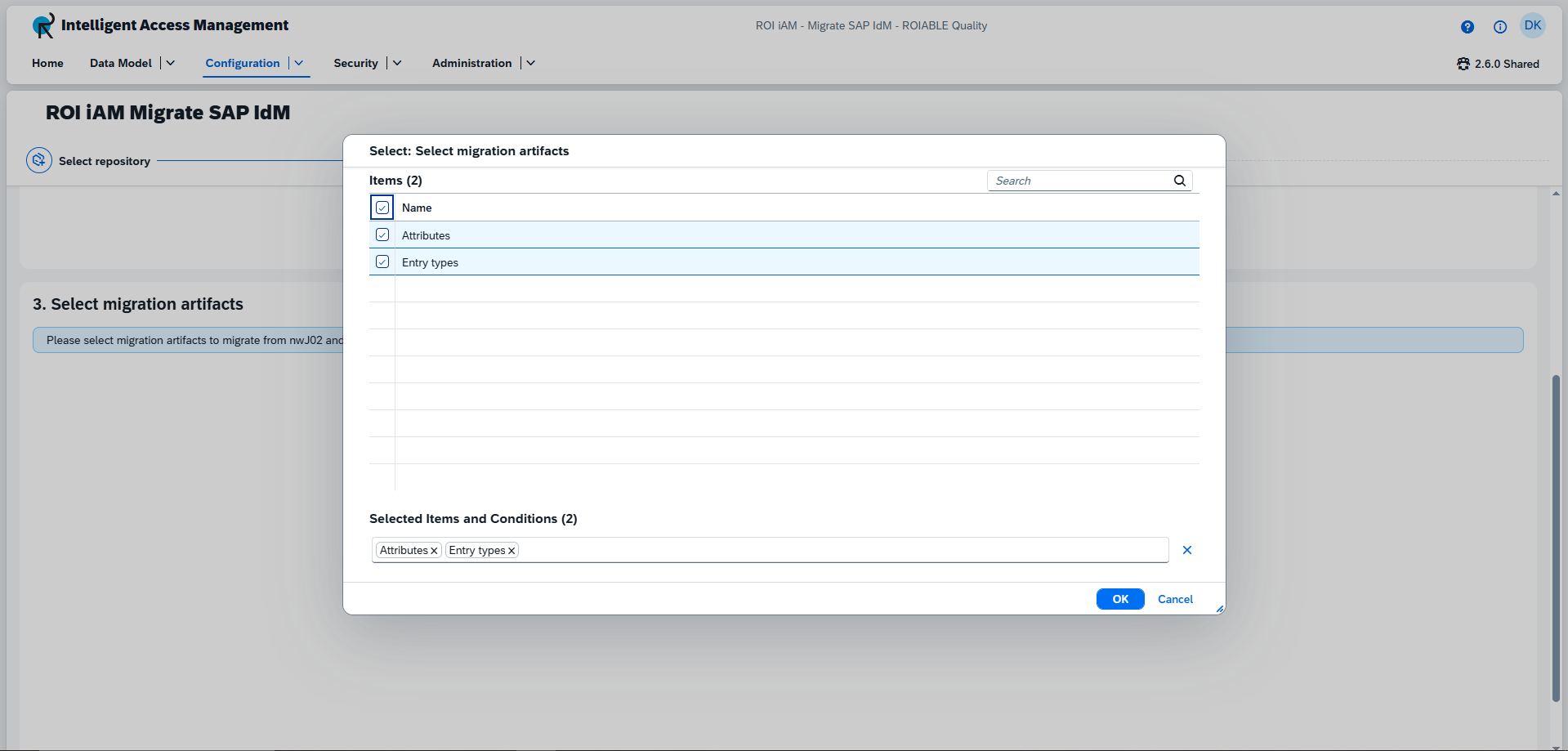
Select Migration Artifacts
Select the type of data you want to migrate. Currently, two artifacts are available: entry types and attributes. You can select either one or both.